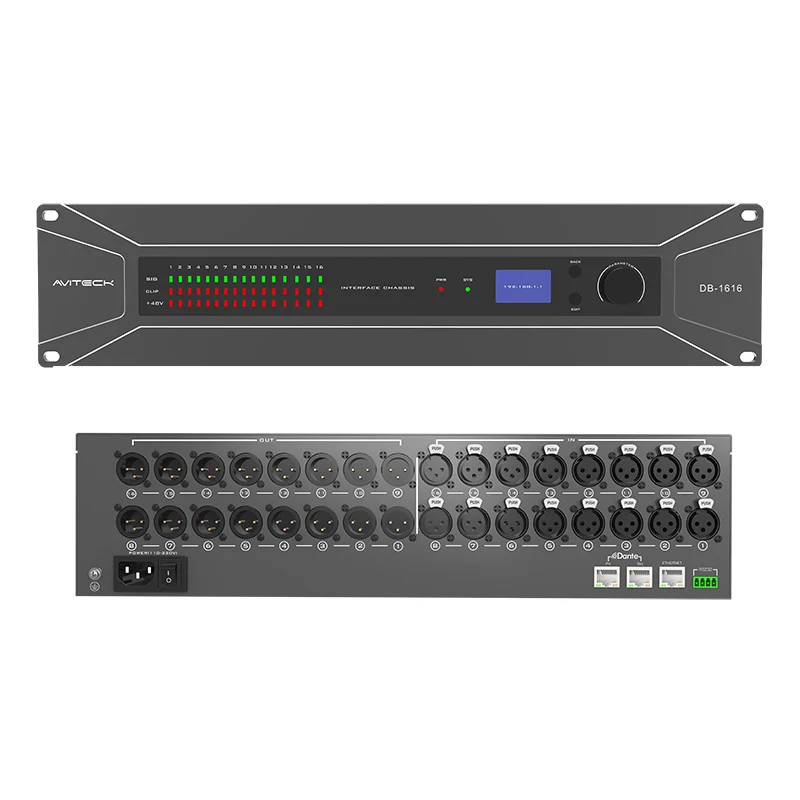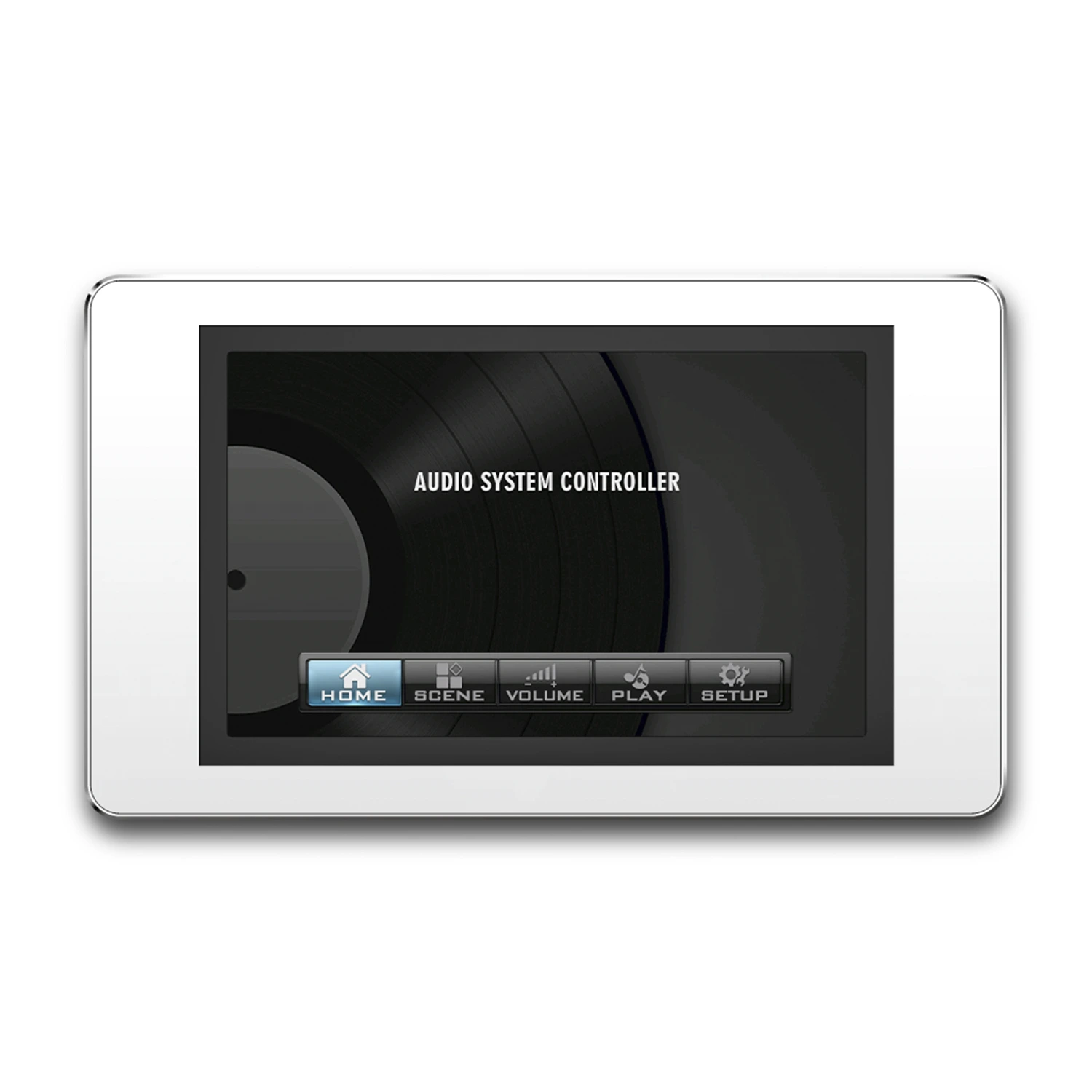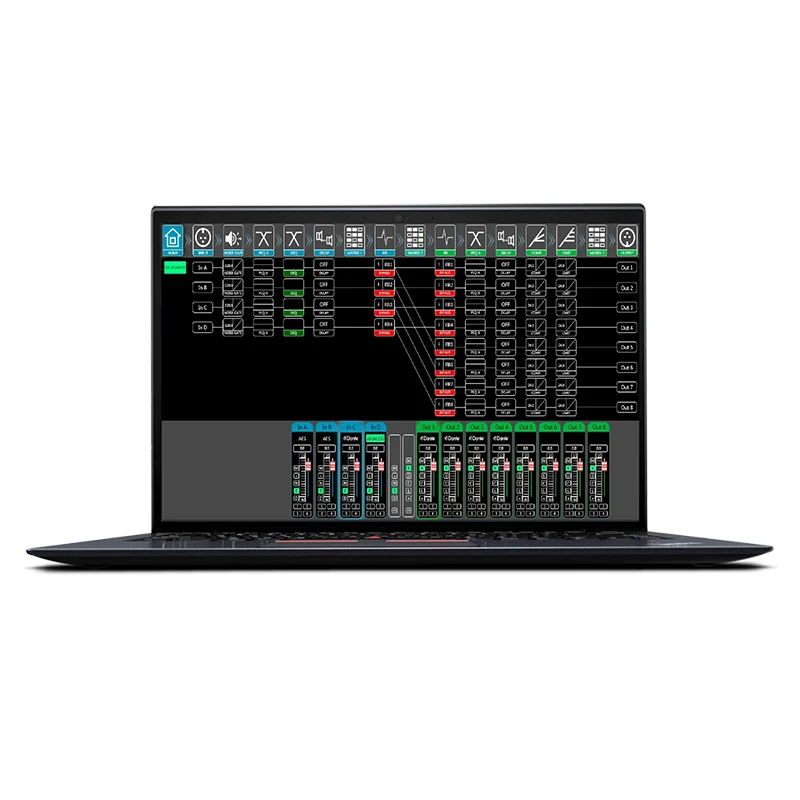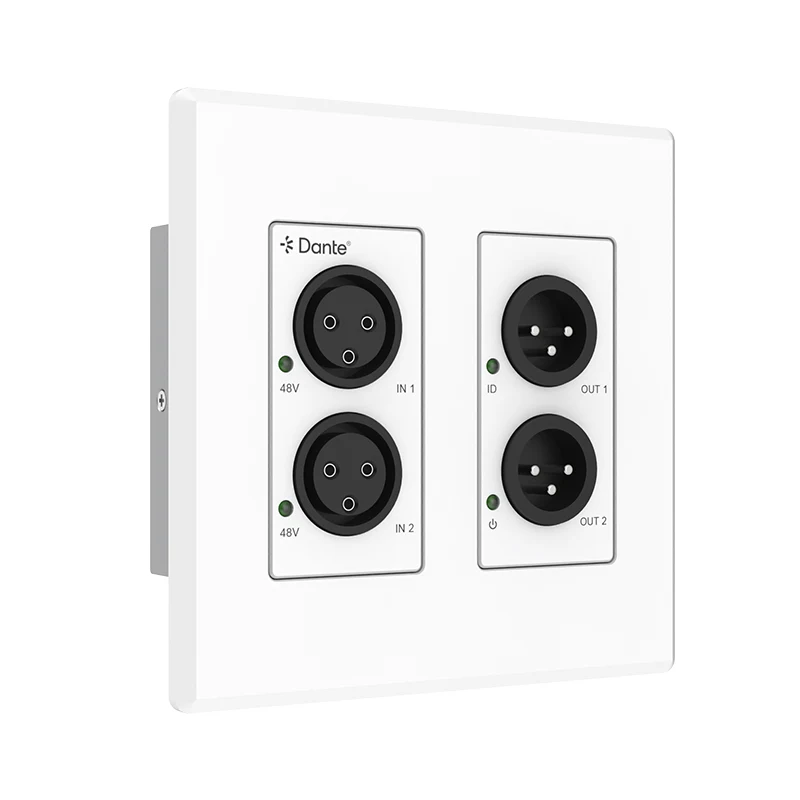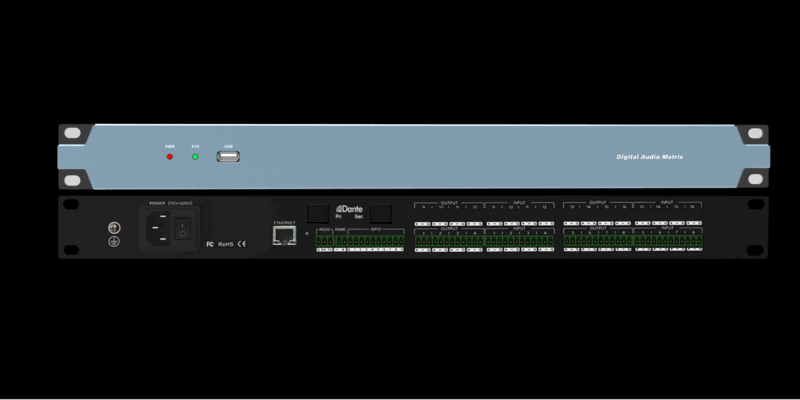

Modern professional audio systems require more than simple signal routing. A Digital Signal Processor (DSP) provides flexible audio processing, system control, and signal optimization through software-based configuration.
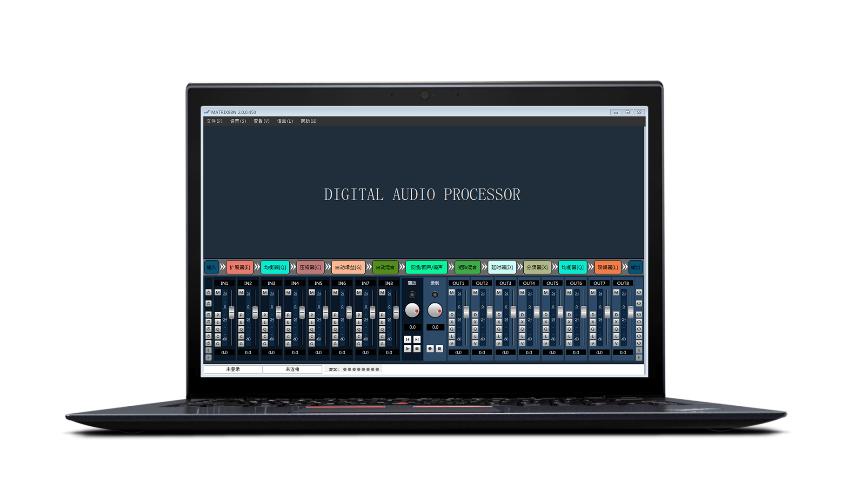
FHB DSP software is designed to simplify the operation and management of professional audio processing systems. Through an intuitive software interface, users can configure audio routing, adjust processing parameters, manage system settings, and optimize overall audio performance.
This tutorial introduces the basic workflow of using FHB DSP software for audio processing, helping system integrators and audio engineers efficiently configure and manage FHB DSP systems.
FHB DSP software is the control platform used for configuring and managing FHB Digital Signal Processor devices.
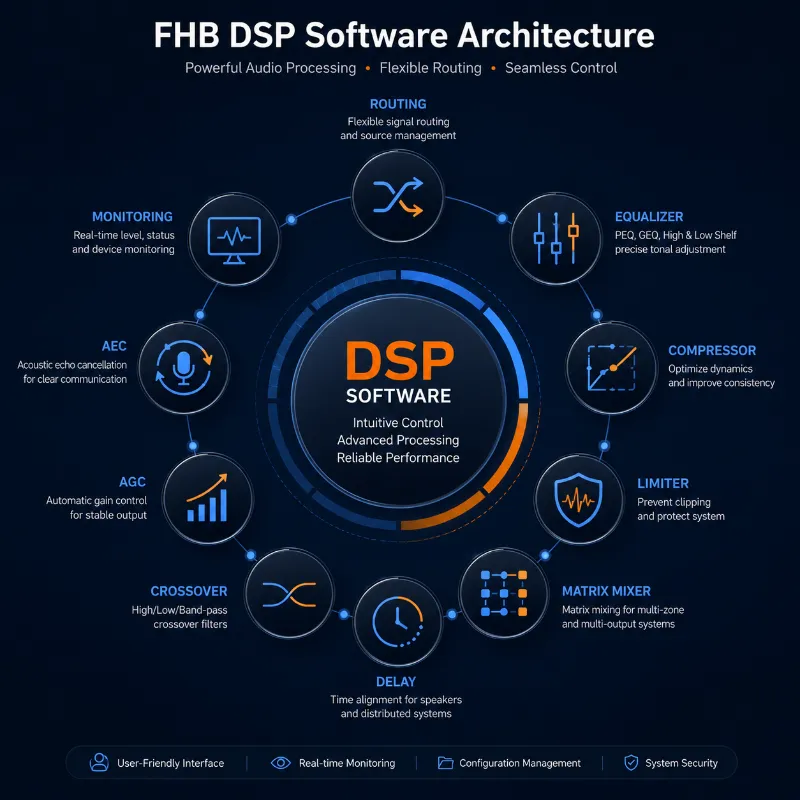
Instead of manually adjusting hardware components, users can complete system configuration through software, including:
·Signal routing
·Input and output management
·Audio processing adjustment
·Matrix mixing
·System monitoring
·Configuration backup
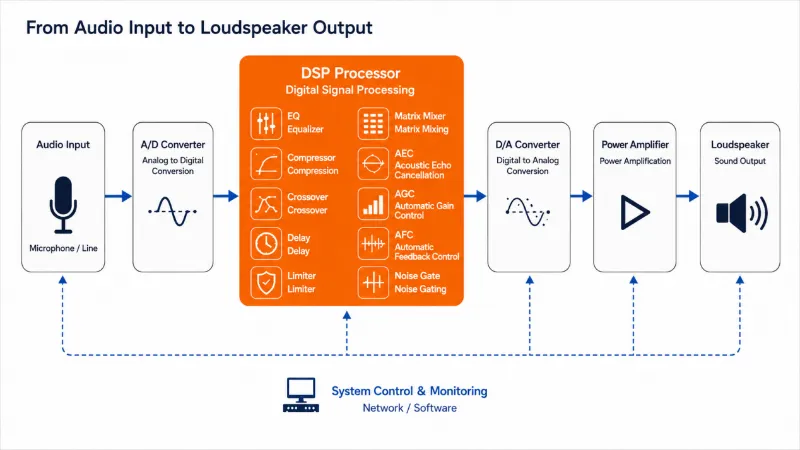
A typical DSP workflow includes:
Audio Input
↓
Input Processing
↓
Signal Routing
↓
DSP Processing Modules
↓
Output Processing
↓
Audio Output
Before opening the software, connect the DSP processor to the control system.
Depending on the device model, connection methods may include:
·USB connection
·Ethernet network connection
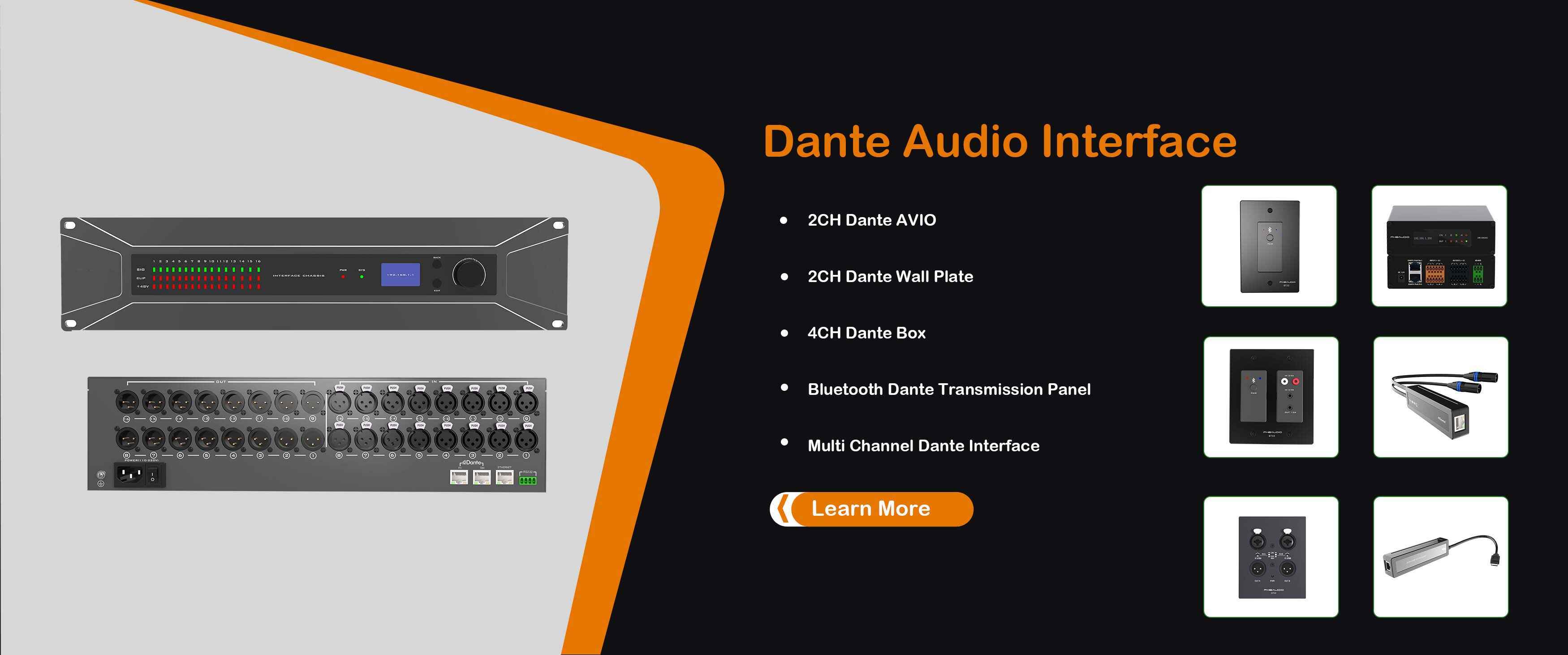
·Dante network connection (for Dante-enabled DSP models)
After connection, verify that the device is detected correctly before making configuration changes.
After connecting the device, launch FHB DSP software.
The main interface usually contains several functional areas:
Used for:
·Device connection
·Device identification
·System information checking
Used for:
·Monitoring input signals
·Adjusting input levels
·Applying input processing
Provides access to DSP functions, including:
·Parametric Equalizer (PEQ)
·Compressor
·Limiter
·Delay
·Crossover
·Matrix Mixer
·Automatic Gain Control (AGC)
·Acoustic Echo Cancellation (AEC)
Used for:
·Output adjustment
·Signal monitoring
·Output processing
Signal routing is one of the most important operations in a DSP system.
Through FHB DSP software, users can define how audio signals travel through the system.
Example:
Microphone
↓
DSP Input Channel
↓
EQ / AEC Processing
↓
Matrix Routing
↓
Amplifier
↓
Speaker
Typical routing operations include:
·Assigning input sources
·Selecting output destinations
·Creating multiple audio zones
·Building independent signal paths
Flexible routing allows one DSP processor to support different applications, such as:
·Conference rooms
·Classrooms
·Hotels
·Meeting spaces
·Commercial audio systems
Equalization allows engineers to adjust frequency response and improve sound quality.
Common applications:
·Removing unwanted frequencies
·Improving speech clarity
·Optimizing speaker performance
Compression controls signal dynamics.
It helps:
·Reduce excessive volume changes
·Improve audio consistency
·Protect downstream equipment
A limiter prevents audio signals from exceeding a defined level.
Applications include:
·Speaker protection
·System safety
·Output level control
Delay adjusts signal timing between different audio components.
Common uses:
·Speaker alignment
·Large venues
·Distributed audio systems
Matrix mixing provides flexible routing between multiple inputs and outputs.
It enables:
·Multi-zone audio distribution
·Independent room control
·Multiple source management
During operation, engineers can monitor system status through the DSP software interface.
Important monitoring items include:
·Input signal level
·Output signal level
·Channel status
·Processing status
Real-time monitoring helps identify:
·Signal loss
·Incorrect routing
·Excessive input levels
·Audio system issues
After completing system setup, save the DSP configuration.
Recommended workflow:
1. Complete system configuration
2. Test audio performance
3. Save configuration file
4. Create backup copy
5. Store project documentation
Configuration backup is important for:
·System maintenance
·Future upgrades
·Project replication
Save the existing configuration before changing important parameters.
Avoid excessive input gain or output amplification to maintain audio quality.
Keep records of:
·Routing configuration
·Processing parameters
·Device information
Always verify:
Input → Processing → Output
before completing system deployment.
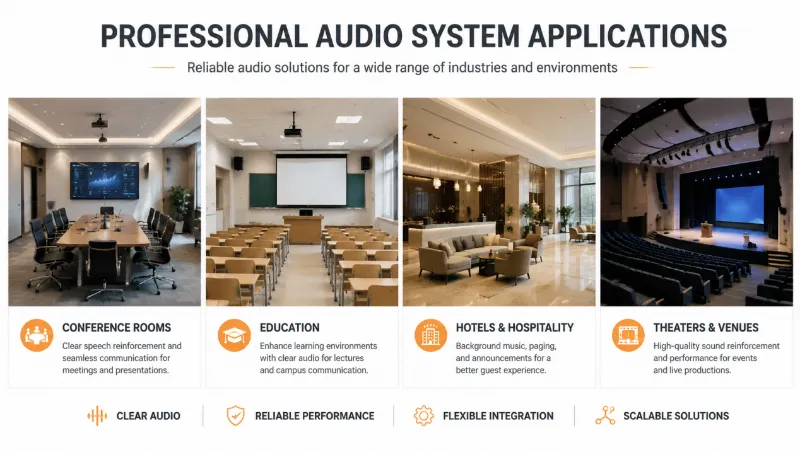
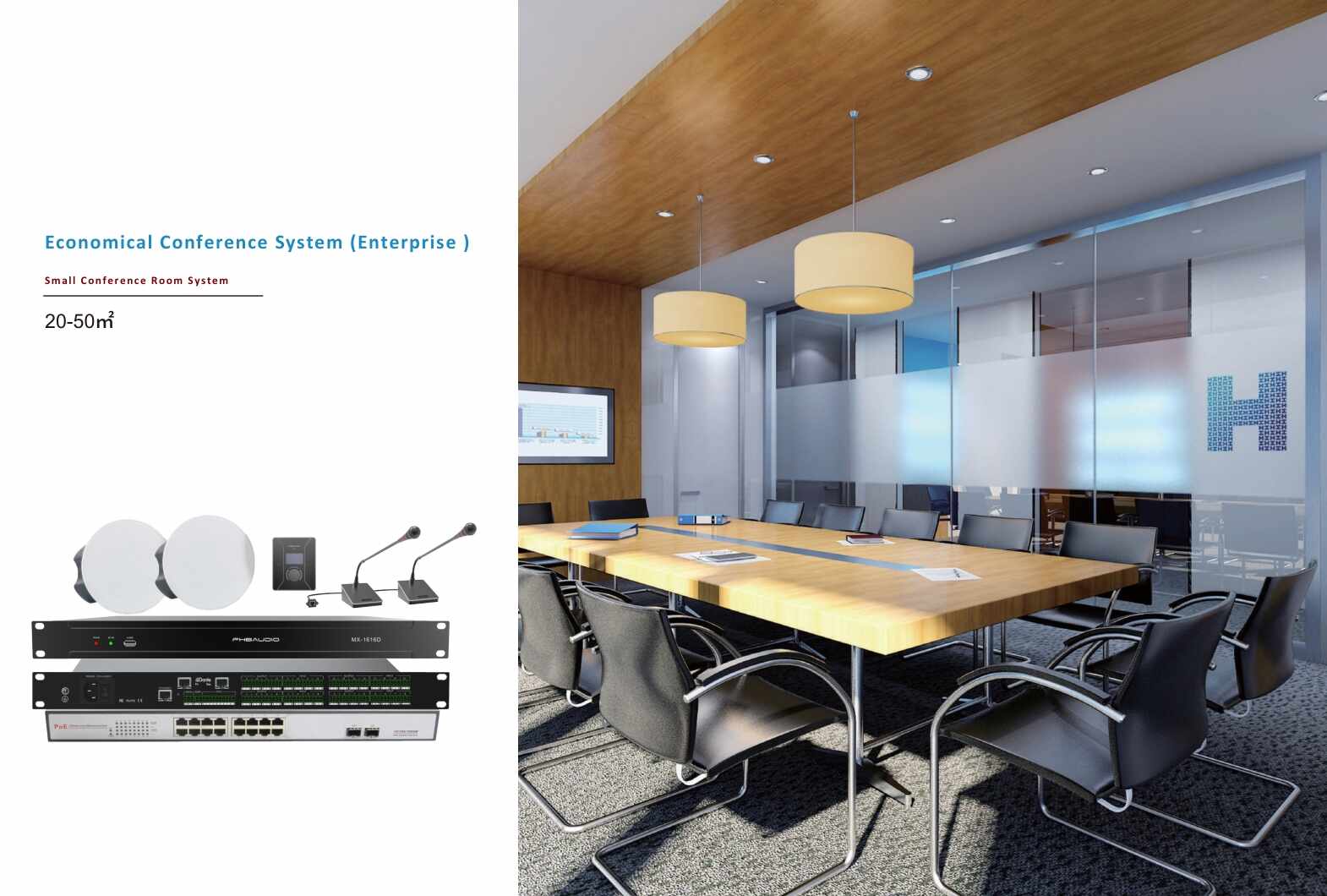
FHB DSP software is widely used for professional audio applications, including:
Provide clear speech processing and flexible audio routing.
Support classroom audio reinforcement and centralized control.
Enable multi-zone audio management.
Provide professional signal processing and system optimization.
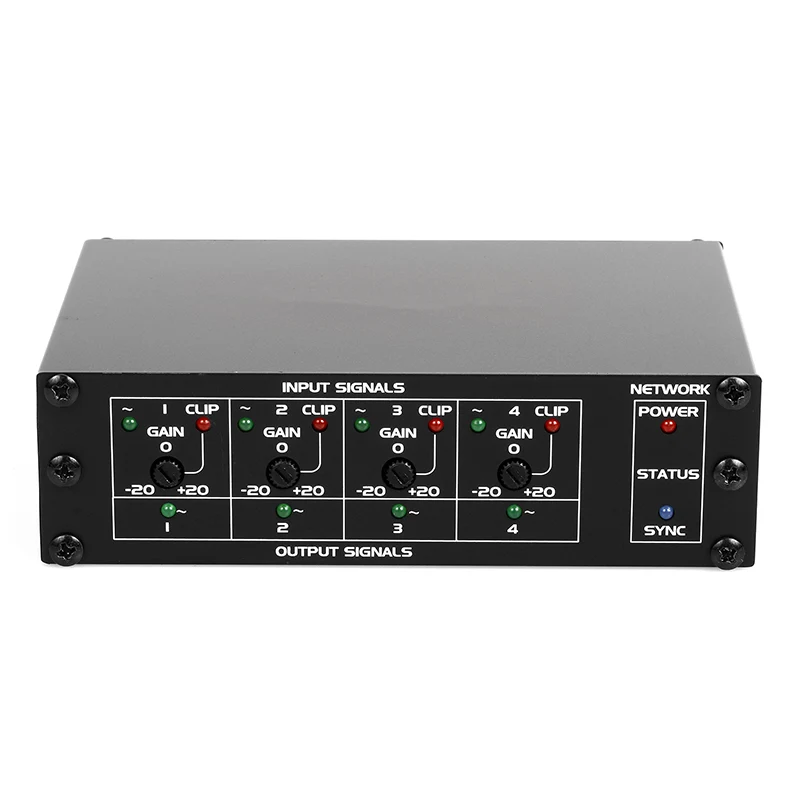
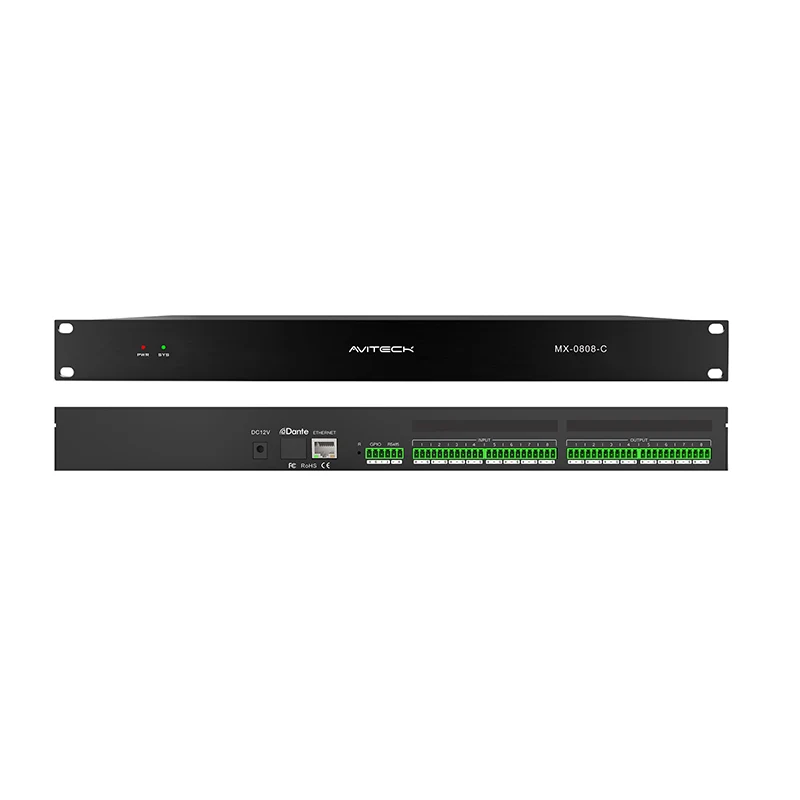
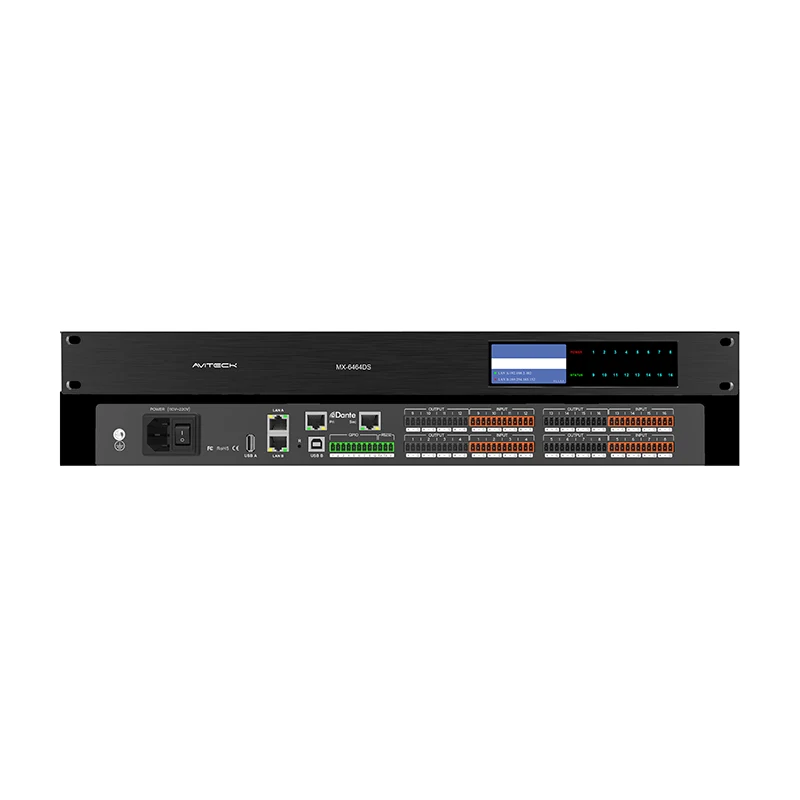
FHB DSP software is designed for use with FHB professional audio processing products, including:
FHB DSP software provides an efficient way to configure, operate, and manage professional audio processing systems.
By combining flexible signal routing, powerful DSP processing modules, and intuitive system management, FHB DSP solutions help integrators build reliable and scalable commercial audio systems.
Whether used for conference rooms, education facilities, commercial spaces, or professional AV installations, FHB DSP software simplifies audio system operation while improving overall system performance.